Guides
What lawn care software should measure in 2027
Lawn care software judged by the route data it must capture, with a data model, the measures that fall out of it, and the security basics an owner cannot skip.
What to take away
- Decide what you need to measure first. The software choice follows from the data model.
- A route business needs stop-level times and mileage. Most systems are built around invoices instead.
- If a field is not captured on site, on the day, it will never be captured at all.
- Back up your own data and control who can reach it. Both are your responsibility, not the vendor's alone.
- Start on paper if you must. A measured paper route beats an unmeasured system.
Software here is usually chosen by demonstration, then blamed for not answering questions it was never asked. Reverse that order: decide what a route business must know, then define the records that produce it.
Only then look at tools. This guide names no products, because the right tool depends on your data model and your budget, and both are yours.
The questions the system exists to answer
Write these down before looking at anything.
Questions the system answers
- How long does each property take, and how has that changed?
- How much drive time sits between consecutive stops on each route day?
- Which stops moved this week, and why?
- Which machines stopped work, when, and how many stops were lost?
- What was quoted, what was delivered, and what was invoiced, for each property?
- Where did each new customer come from, and on which street?
- What does the cash position look like across the season?
A system that cannot answer the first four is an invoicing tool. That is a legitimate thing to own, but it will not improve a route.
The data model
Six record types cover it. Keep them separate, and link them.
Six linked record types
Record
- Property
- Quoting, claim defense
- Visit
- Pricing, capacity, quality
- Route day
- Route design
- Machine
- Replacement decisions
- Customer
- Retention, demand
- Money
- Accounting, margin
Feeds
- Property
- Visit
- Route day
- Machine
- Customer
- Money
| Record | Key fields | What it feeds |
|---|---|---|
| Property | Address, group, access notes, hidden items, done conditions sold | Quoting and claim defense |
| Visit | Date, arrival, departure, crew, exceptions | Pricing, capacity, quality |
| Route day | Sequence, start and finish odometer, weather, moved stops | Route design |
| Machine | Service log, faults, downtime and stops lost | Replacement decisions |
| Customer | Contact, agreement, source, street, renewal date | Retention and demand |
| Money | Quote, invoice, payment, expense | Accounting and margin |
The visit record is the one most systems handle worst, because they are designed to produce an invoice rather than a measurement. If a tool cannot capture arrival and departure times per stop without extra work, expect that data never to exist.
Measures that fall out of the model
Once those records exist, the useful measures are arithmetic rather than a separate reporting project. On-site time by group, drive time per stop, stops per crew day, revisit and rework rate, downtime days and stops lost, retention across the season boundary. Each is a division of two fields already captured.
That is the practical test of a data model: the measures should be a calculation, not a survey.
Defining each measure precisely enough to compare
A measure that is defined loosely will be computed differently in June and September, and the comparison between them will be meaningless. Write the definition down once, with the boundaries stated.
Six measures, defined once
- On-site timetruck stops to last person back
- Drive time per stopdeparture to next arrival
- Stops per crew daycompleted stops only
- Downtimestops lost, not hours
- Reworkreturn visits against original visit
- Retentionacross season boundary, fixed anniversary
On-site time starts when the truck stops and ends when the last person is back in it. The walk-around at both ends counts, whether or not anybody times it.
Drive time per stop runs from departure at one property to arrival at the next. It belongs to the second stop, not averaged across the day.
Stops per crew day counts completed stops only. A property attempted and abandoned for access is an exception, not a stop.
Downtime is measured in stops lost, not hours, because hours understate what a failure costs a route. Rework is any return visit caused by work not completed to the sold condition. It counts against the original visit, not as a new one.
Retention is measured across the season boundary, not month to month, since a weekly customer who stops in November has not left. Pick the anniversary you will use, and use the same one every year.
Write these six definitions on the same page as the measures themselves. When a number moves, the first question is always whether the definition moved with it.
Choosing a tool, without naming one
Judge candidates against the model, in this order.
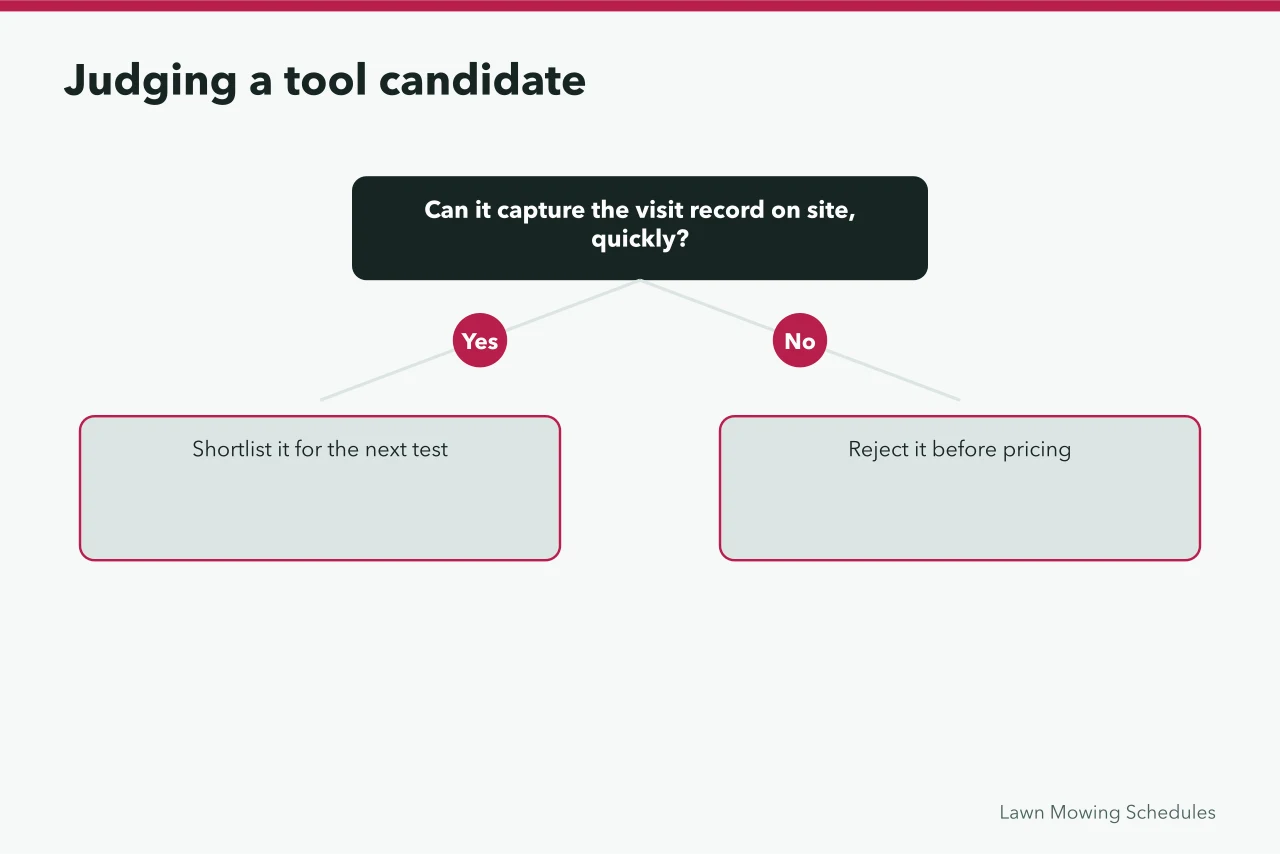
- Can it capture the visit record on site, quickly, on a phone, with gloves on and in sunlight?
- Can it hold the done conditions per property so the crew sheet and the quote use the same words?
- Can it export everything you put in, in a usable format, whenever you want?
- Can it handle a recurring route with fixed weekdays, rather than treating every visit as a booking?
- What happens when it is offline in a yard with poor signal?
- Who else can see the data, and how is access removed when someone leaves?
Question three protects you from the worst outcome in this category: a system that holds two seasons of route measurements you cannot get back out.
Security is part of the choice
You are holding customer addresses, access notes, and payment details. That is a real responsibility, and treating it as the vendor's problem alone is a mistake.
Security basics for a route business
- Individual accounts, removed the day they leave
- Multi-factor authentication wherever offered
- A backup you have actually restored from
- Access notes limited to people who need them
- Decided response for a lost or stolen phone
The NIST small business quick-start guides set out basic practices in a form a small operation can actually follow, and the CISA guidance for small and medium businesses covers the same ground from the threat side. Both are written for organizations without a technical staff.
The short version for a route business:
- Individual accounts for every person, removed the day they leave.
- Multi-factor authentication wherever it is offered.
- A backup you have actually restored from, not merely configured.
- Access to customer access notes limited to the people who need them.
- A decided response for a lost or stolen phone that has the route on it.
Records the system has to preserve
Some records are not optional and their retention matters.
Records to preserve
- Financial recordsincome, expenses, supporting documents
- Application recordsstate-set form and retention
- Ask your state department of agriculture
- Check the tool can store it in that form
- Financial records. Keeping records that clearly show income and expenses, supported by documents for purchases, sales, payroll, and assets, is described in the IRS guidance on business records.
- Application records, where you perform applications. The federal expectations for certified applicators are described in the EPA certification standards, and what must be recorded and for how long is set by your state program. Ask your state department of agriculture, then check the tool can store it in that form. The wider obligations map is in the licensing and compliance guide.
Where the data actually gets used
Data collected and never read is a tax on the crew. Each record should have a decision attached.
Each record feeds a decision
Record
- Visit times
- Pricing groups
- Route day
- Sequencing
- Machine
- Replacement
- Customer source
- Demand
- Crew fields
- Training, supervision
Decision
- Visit times
- Route day
- Machine
- Customer source
- Crew fields
- Visit times feed pricing groups, using the cost stack in the pricing and profit guide.
- Route day records feed sequencing, using the day design in the operations and workflow guide.
- Machine records feed replacement decisions, as set out in the equipment and setup guide.
- Customer source and street feed demand decisions, described in the marketing and growth guide.
- Crew fields feed training and supervision, following the ladder in the hiring and training guide.
If a field has no decision attached, stop collecting it.
Adoption, which is where most systems fail
Adoption
- Introduce one record type at a time, starting with the visit.
- Make the crew's part take seconds, not minutes.
- Show the crew what the data changed. A route resequenced because of their times is the best argument for keeping them.
- Do not run two systems in parallel for longer than a few weeks.
- Expect the first season's data to be imperfect and use it anyway.
Starting on paper
A clipboard with four columns, arrival, departure, odometer, and exceptions, produces most of the value described here. Owners who start there and transfer weekly usually end up with better data than owners who buy a system and never complete the setup. Move to software when the transfer becomes the bottleneck, not before.
Common questions
Do I need software in year one?
You need the measurements. Software is one way to get them and paper is another. Choose whichever you will actually complete on a busy day.
What is the most common mistake in this category?
Choosing on the invoicing and scheduling demonstration, then discovering that stop-level times are not captured. Ask about the visit record specifically.
How long should I keep route data?
Long enough to compare seasons, which means several years. Financial and application records have their own retention rules, and those come from the IRS guidance and your state program rather than from the software.
What if the tool changes its pricing or its features?
That is why the export question is third on the list. Check that you can leave before you arrive.